


Attack it from the outside, or read the code first
Point the agent at a live app or API and it tests what an attacker can reach. Connect a repository and it reads the source before it attacks. Every pentest runs at full depth, on every plan.
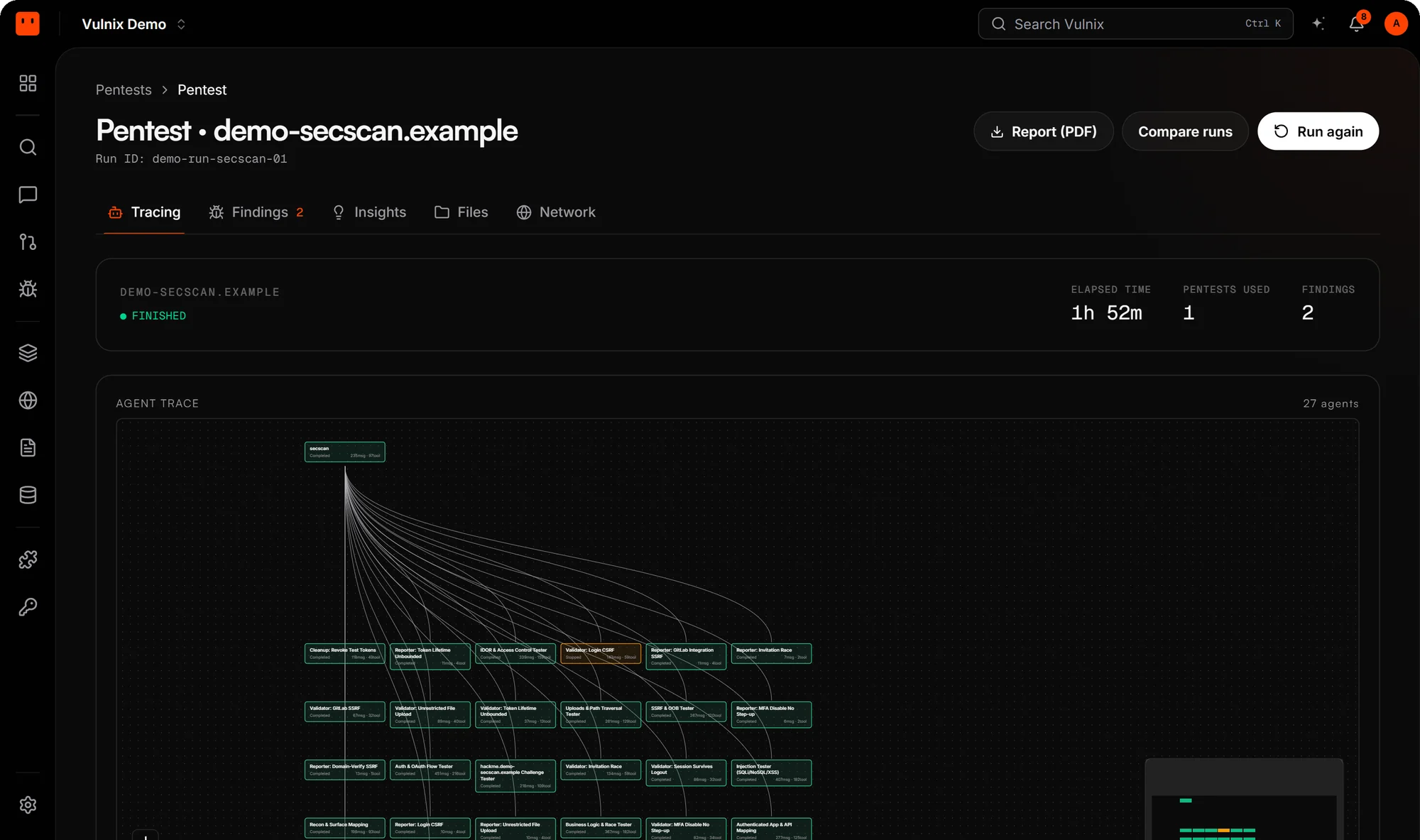

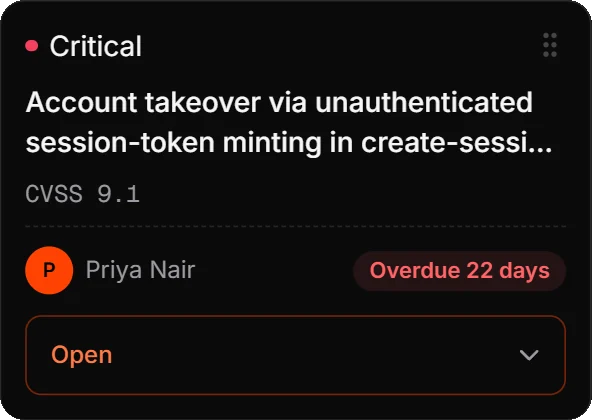
Side by side
Two ways in, the same proof
| Compared | Blackbox | Whitebox |
|---|---|---|
| What it tests | A verified domain, an API host or a public IP range | A connected GitHub repository |
| What the agent sees | Only what's reachable over the network, like an attacker | The actual source, cloned into the sandbox |
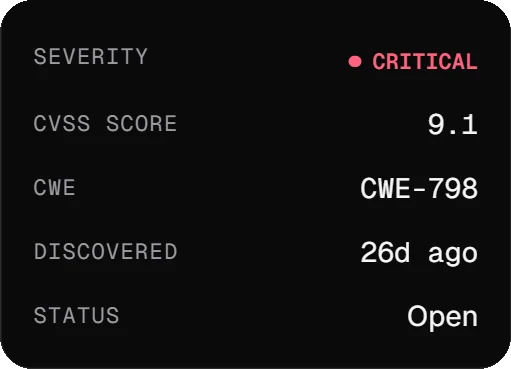
| Where a finding points | The request and response that reproduce it | The exact file and line |
| Fix pull requests | Not applicable: there's no source to patch | Yes, for eligible findings |
| Cost | One pentest from your plan | One pentest from your plan |
| Plans | Every plan, Free included | Every plan, Free included |
Blackbox
Everything an attacker can reach
No source and no inside knowledge: the agent maps what your app exposes and attacks it over the network. Every finding carries the request and response that reproduce it.
- Domains you've verified, API hosts, public IP ranges
- Test users and custom headers for authenticated areas
- Full depth on every plan
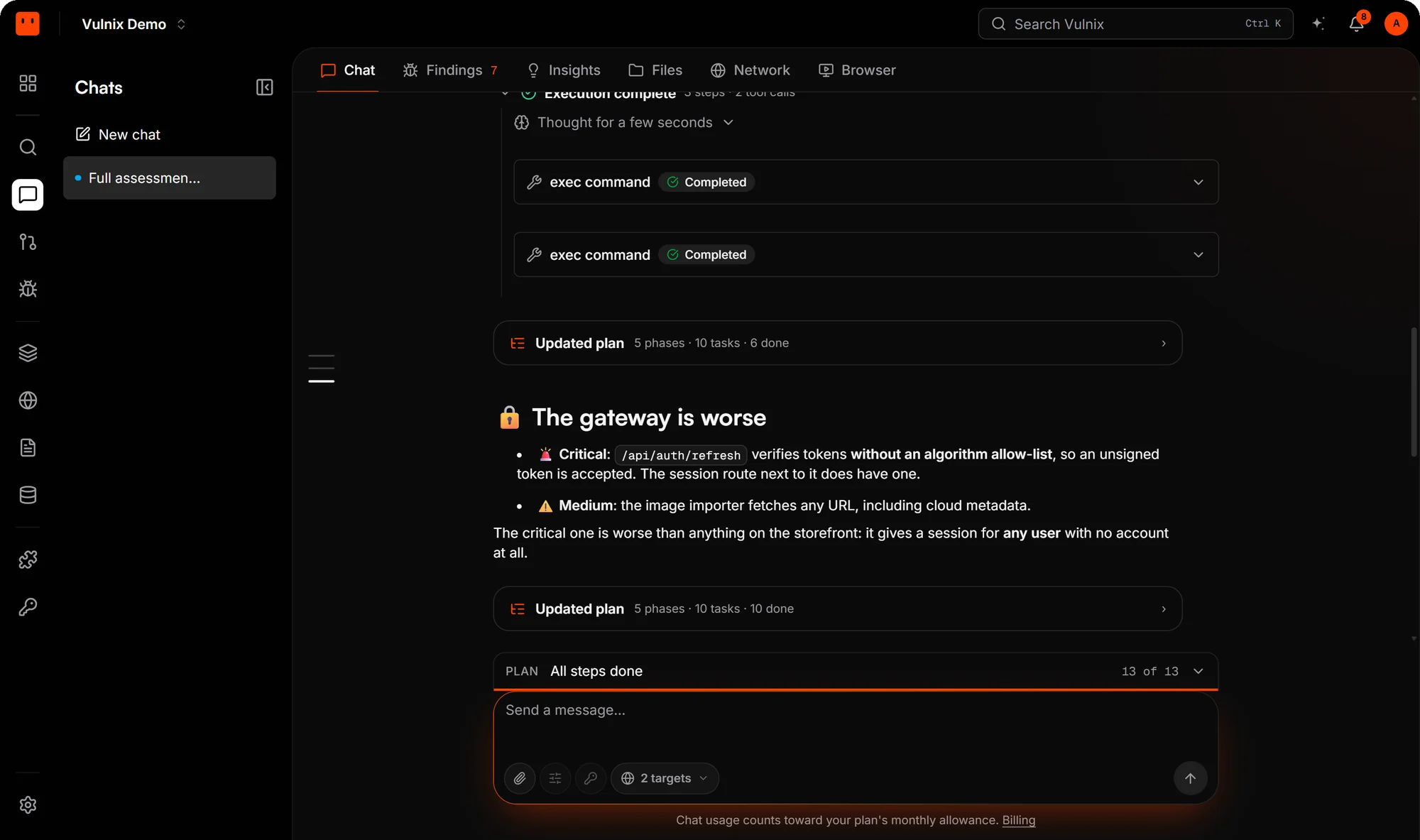
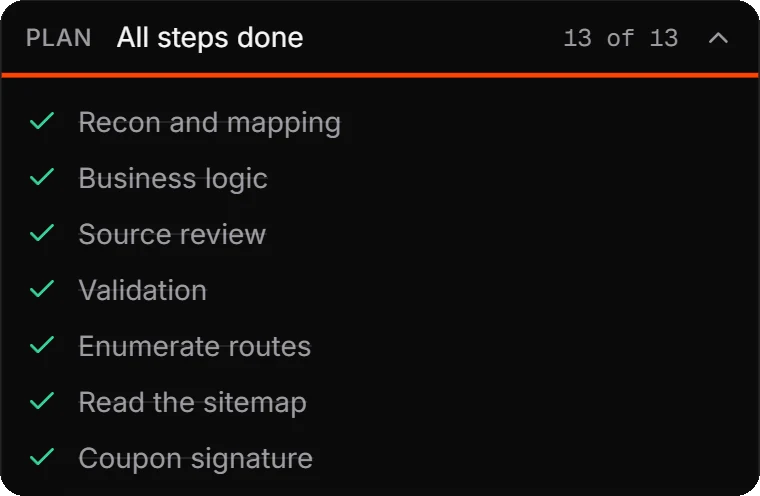

What blackbox covers
Web apps and APIs
Auth, access control, injection and business logic, tested on the running app the way an outside attacker would.
Public IP ranges
A single IP or a CIDR block is port- and service-scanned: exposed services fingerprinted and checked for known CVEs and misconfigurations.
Verification in a click
Prove the domain with a DNS record, a file or a meta tag, or connect Cloudflare or Vercel and Vulnix adds the record for you.
Whitebox
The source first, then the attack
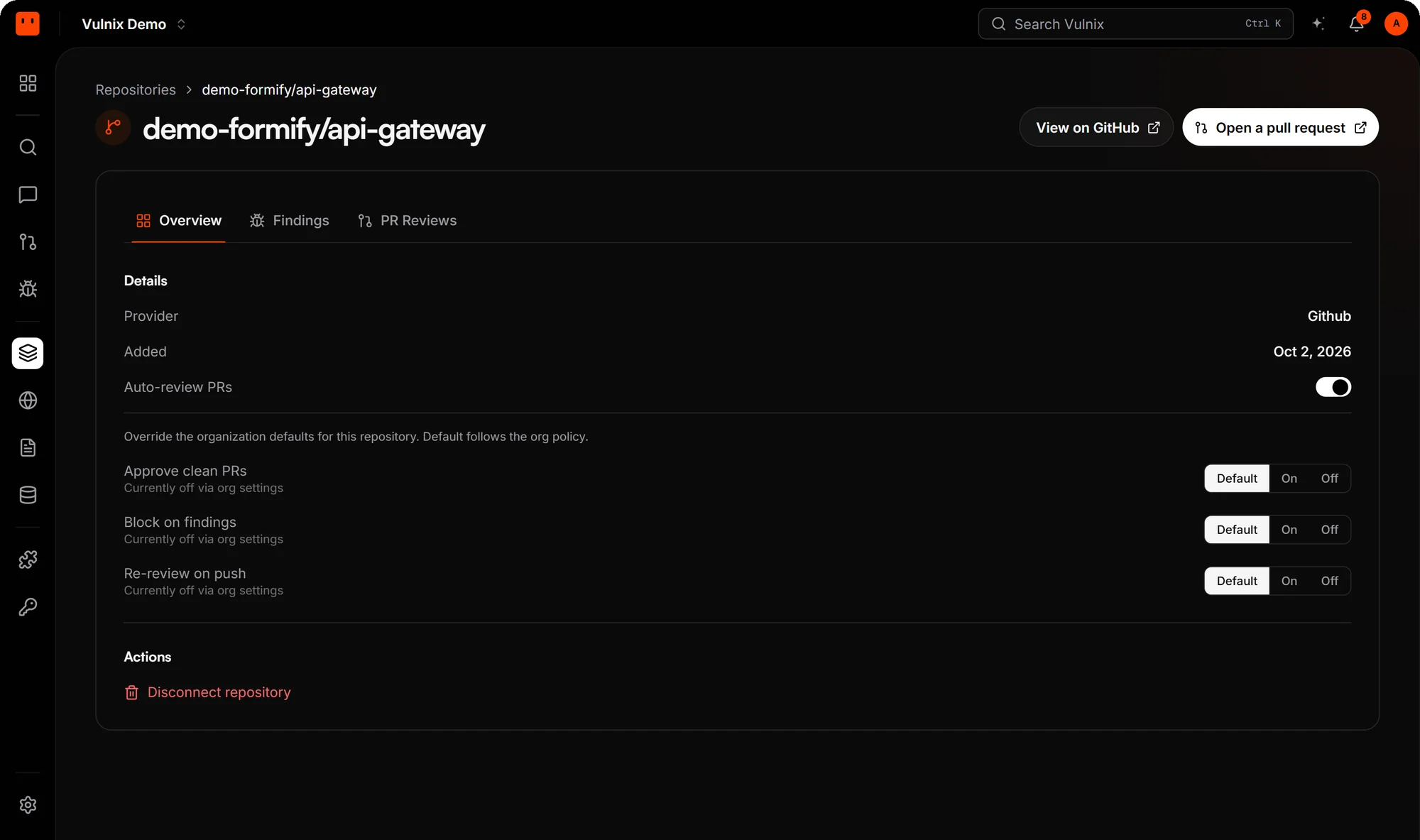
Connect a GitHub repository and Vulnix clones it into the run's isolated sandbox. The agent reads the code to find where trust breaks, then proves it against the running app.
- Findings point at the exact file and line
- A fix pull request for eligible findings, opened when you ask
- Add a verified domain to test the live app in the same run

What whitebox adds
Findings tied to code
Each finding points at the file and line it lives in, so the fix starts where the bug is.
Context an attacker never has
The agent reads routes, auth checks and data flows in the source, then attacks what it found.
Source and live app, one run
Attach a verified domain to a whitebox scope and the agent tests the running app as well. Still one pentest.