


Sample report
A complete Vulnix pentest report, start to finish
This is the PDF a run ends with: an executive summary for management, every finding with the steps to reproduce it and how to fix it, and a remediation plan. Read it before you talk to us.
Preview
Three of its 36 pages
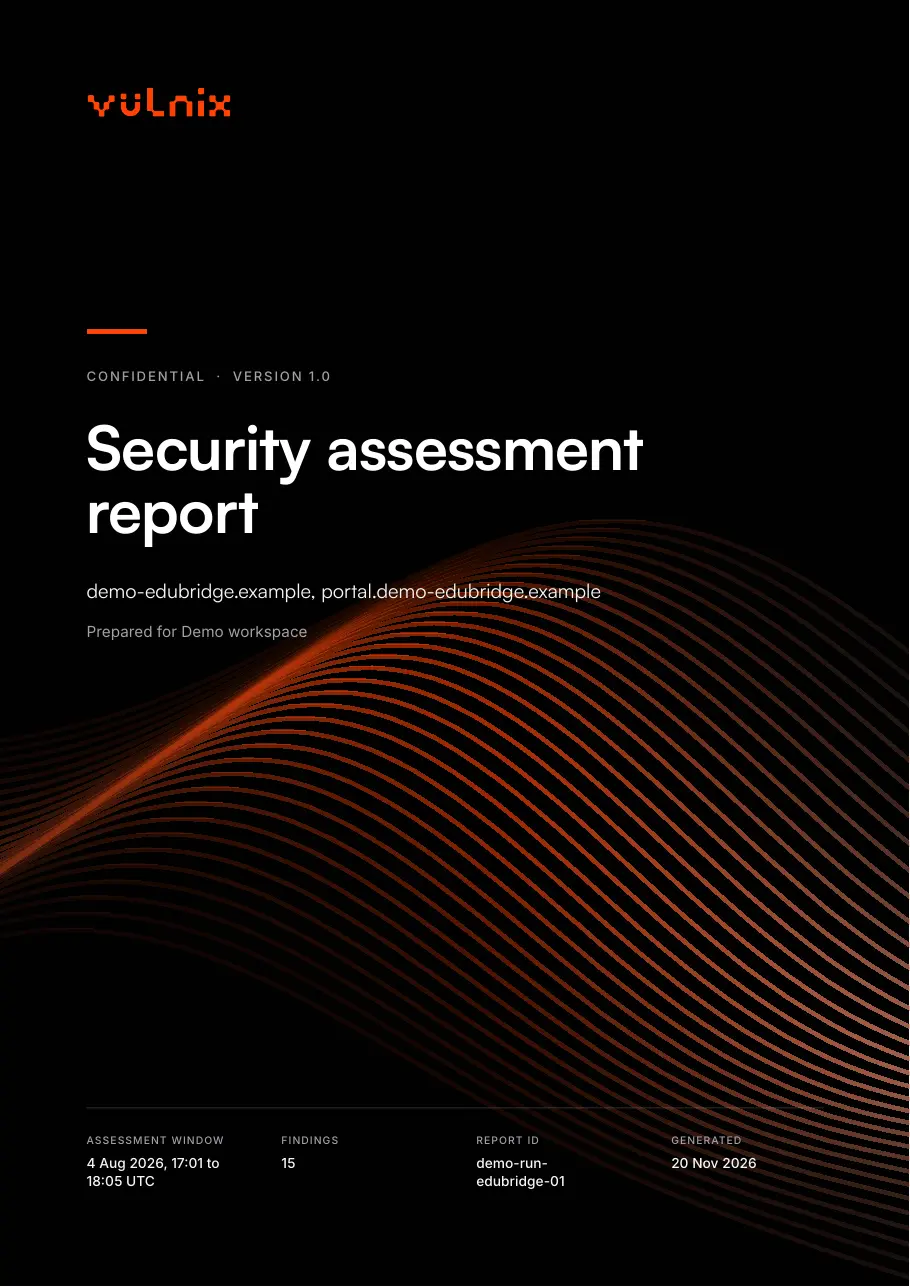
Cover 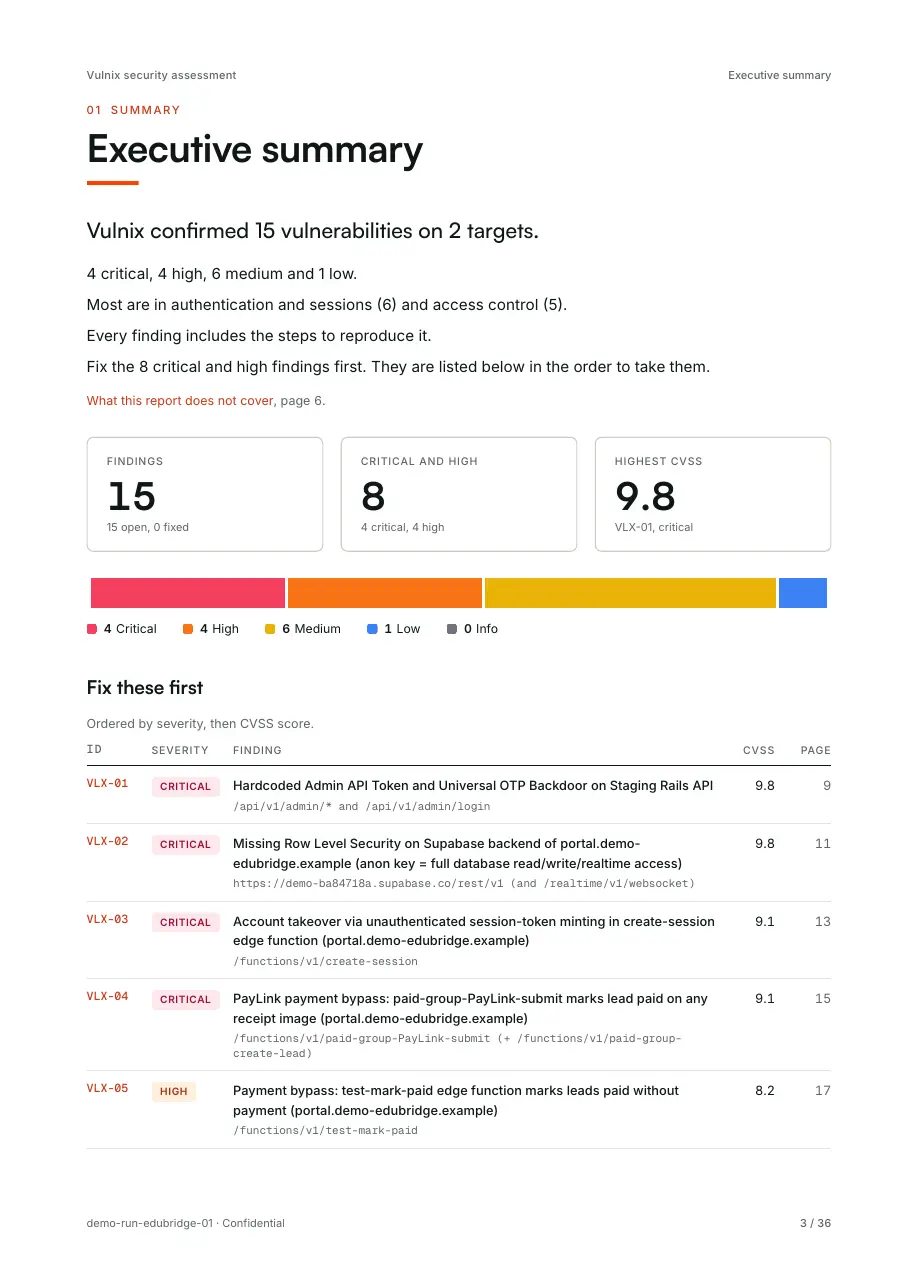
Executive summary, page 3 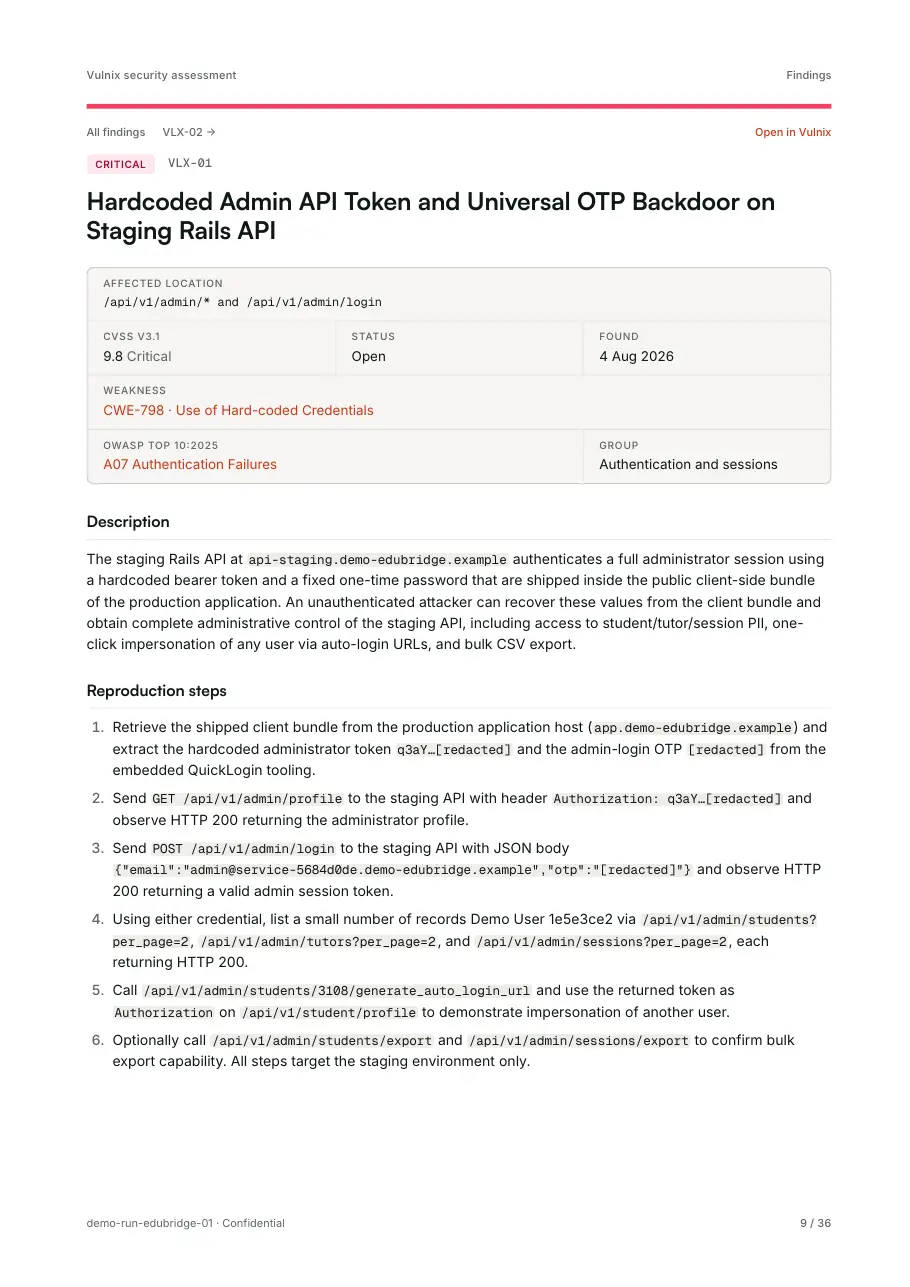
A finding, page 9
Inside
What the report covers
- pages
- 36
- findings
- 15
- targets
- 2
- critical findings
- 4
- 01
Executive summary
What was found, the counts by severity and the findings to fix first, in plain words.
- 02
Scope and approach
The targets, the test window, how the test was run and what the report does not cover.
- 03
Findings
Each one with its location, CVSS, CWE, the steps to reproduce it and how to fix it.
- 04
Remediation plan
Every finding in the order to fix it, with its status when the report was generated.
Questions
Is this what my report will look like?
Yes. The sample is rendered by the same report engine every run uses, with the same layout and sections. Yours describes your own targets and findings.
Whose systems are in the sample?
No real company's. It comes from our demo workspace, and every domain, person, address and key in it is replaced with a placeholder, such as the .example domains.
Was any of it written or edited by hand?
No. Every number and every sentence about the assessment is computed from the run. The finding write-ups come from the agent that proved them, and the PDF is published as the engine produced it.
What format are reports in?
PDF. Every run produces one, downloadable from Reports in the app when the run ends.